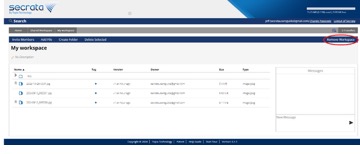
Leaving Workspaces
Users who never need a workspace’s files or messages again may choose to leave that workspace. Once you leave a workspace you will lose all access to that workspace, its files, and its messages.
Any remaining workspace members may invite you back to the workspace if they so desire.
Once the last member has left a workspace, that workspace is deleted forever.
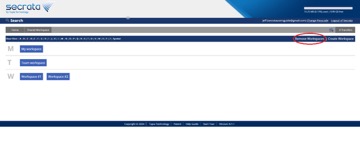
Leaving a workspace can be done from the Workspaces list, click ‘ Remove Workspaces’ and then select the workspaces you wish to leave. You will be prompted to confirm that you are finished with those workspaces. In addition, you may remove a workspace while in workspace view by also selecting Remove Workspace. Mouse Stan one spot